Update: this feature was remove in the last version of WP Ghost.
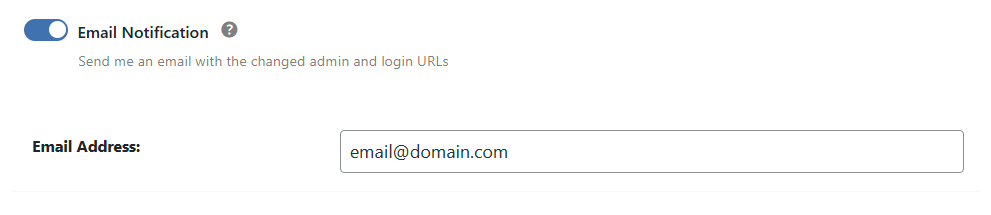
Ensure you receive email updates about changes in WP Ghost, including path modifications and secure URL notifications. This way, you can monitor any path changes within the plugin that are made by authorized users.
Activate Email Notification
- Go to WP Ghost > Advanced > Email Notification.
- Switch on the Email Notification option to activate the notification by email.
- Next to the Email Address field, add the email address where the notification will be sent.