
If visitors can’t submit comments after changing the comments path in WP Ghost, the comment form is still pointing to the old wp-comments-post.php path while the server expects the new one. Work through these checks.
Clear all caches
Cached pages still contain the old comment form action URL pointing to wp-comments-post.php. Clear your WordPress cache plugin, CDN cache, and browser cache. Check the comment form in an incognito window to confirm it’s using the new path.
Run the Frontend Test
Go to WP Ghost > Change Paths and click the Frontend Test button. This verifies that your server’s rewrite rules are correctly applied for all custom paths including the comments path. If the test fails, follow the server configuration instructions shown.

Flush permalink settings
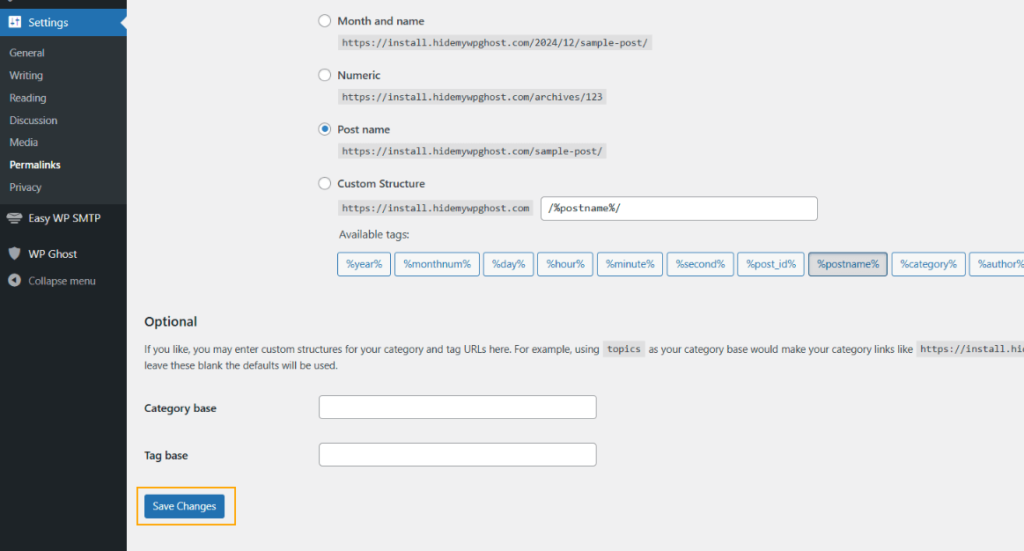
Go to Settings > Permalinks and click Save Changes (without changing anything). This forces WordPress to regenerate rewrite rules, which can fix comments path issues caused by stale rules.
Verify the custom comments path
Check your custom comments path at WP Ghost > Change Paths for typos. Then test the path directly in your browser: go to yourdomain.com/your-custom-comments-path. You should see a WordPress error page (like “Please fill the required fields”), not a 404. If you get a 404, the server rewrite rules aren’t picking up the custom path. On Nginx, verify the hidemywp.conf is included and the service was restarted.
If you’ve lost access to the admin dashboard, see the emergency disable guide.