
- The Uncomfortable Truth: Hackers are not “Geniuses”, they are Bots
- Why You Can Get Hacked Even if You “Do Everything Right”
- What Most Security Plugins Do (and Where They Stop)
- WP Ghost: Paths Security & Site Hardening
- 10 Years Without a Single Reported Breach
- Does WP Ghost Replace My Existing Security Plugin?
- What You Need to Do Now
If you are honest, you probably don’t want to become a “security expert.” You want something very simple:
“I want my WordPress site safe so I can focus on my business, not on fighting hackers.”
You see scary technical terms like Firewall, SQL injection, Brute Force, and REST API, and your eyes glaze over. At the same time, you hear horror stories about hacked sites, malware, blacklists, and lost revenue.
Let’s talk like normal people. I will show you why most WordPress sites get hacked, what WP Ghost does differently, and how you can protect your site in a few clicks, without needing a computer science degree.
The Uncomfortable Truth: Hackers are not “Geniuses”, they are Bots
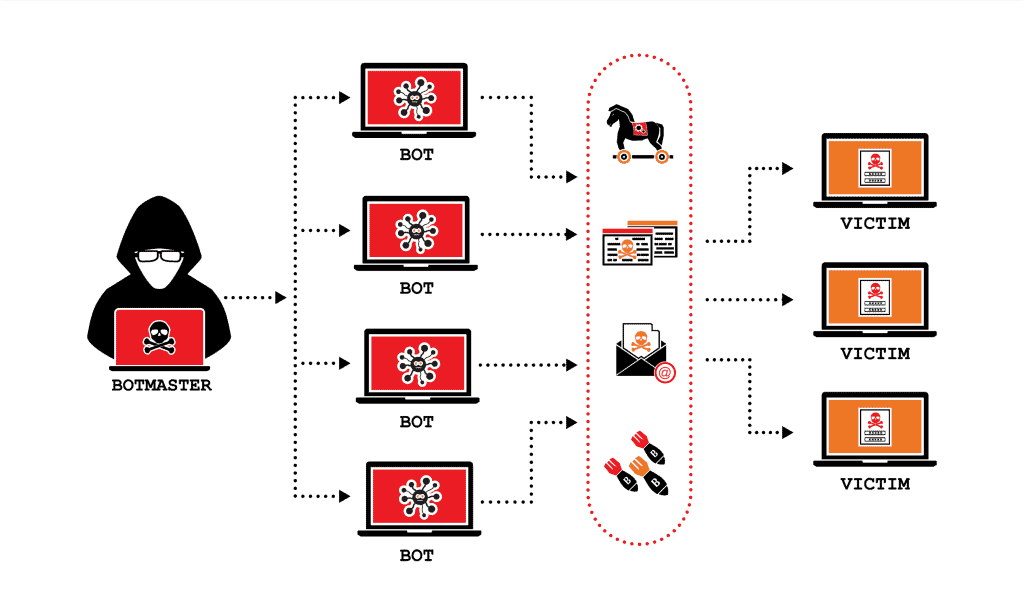
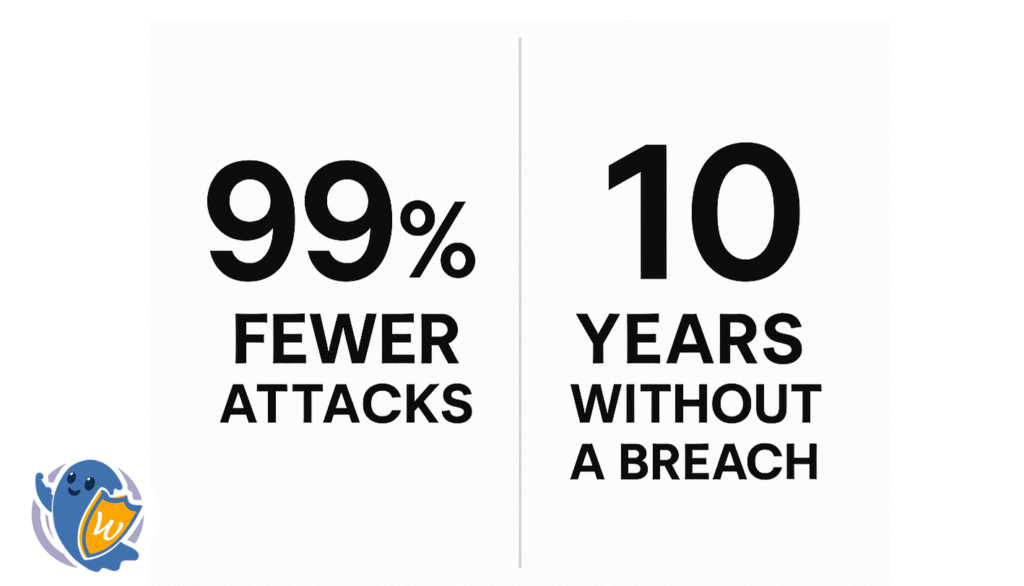
Most people imagine a hacker as a person in a hoodie typing fast. In reality, 99% of attacks on WordPress are made by automated bots, not humans.
A bot is a specialized tool that:
- Scans the web constantly for “standard” WordPress setups.
- Identifies weak spots in popular plugins and themes in milliseconds.
- Uses public lists of known vulnerabilities to break in.
If your site looks like a “standard” WordPress target, you are automatically on their radar. They don’t care how big your business is; they only care that your “doors” are exactly where they expect them to be.
Why You Can Get Hacked Even if You “Do Everything Right”
You can use strong passwords, update your plugins, and install popular security tools-and still get hacked.
The weak points are usually:
- Predictable Paths: Hackers know exactly where your login page and plugin folders are located by default.
- The “Footprint”: Your site “tells” the world it is running WordPress, which invites bots to try WordPress-specific attacks.
- Reactive Delay: Most security plugins only tell you after the fire has started.
If your site uses default paths like /wp-login.php, /wp-admin, or /xmlrpc.php, you are leaving the “front door” visible for anyone to try the handle.
What Most Security Plugins Do (and Where They Stop)
Many popular security plugins focus on Reactive Security:
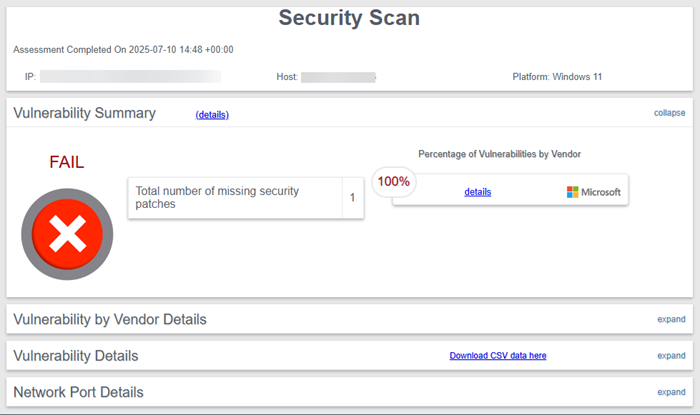
- They Scan for viruses.
- They Alert you when something is already wrong.
- They Clean up the mess after a breach.
This is useful, but it means the thief already entered the house. By the time a scan finds malware, your Google ranking might be dropping, your hosting might be suspended, and your customers’ data could be at risk. You wanted prevention, but you got a warning after the damage was done.
WP Ghost: Paths Security & Site Hardening
WP Ghost thinks differently. Instead of just fixing the damage, we focus on Proactive Hack Prevention through a strategy called Paths Security.
Instead of just looking for viruses after the fact, WP Ghost stops attacks by:
- Securing and Changing Paths: We move the “doors” (like your login page and admin area) to unique locations that bots cannot find.
- Hardening the Architecture: We remove the “WordPress footprint” so bots don’t even realize your site is a target.
- The 8G Firewall: A high-speed filter that blocks malicious traffic at the “gate” before it even touches your plugins or theme.
Think of a standard WordPress site like a house where the front door is always in the same spot on every street. WP Ghost re-engineers your site so the door is hidden from the bots. To a hacker’s script, your site stops looking like a “WordPress target” and starts looking like an un-breachable fortress.
10 Years Without a Single Reported Breach
What happens in real life when you install WP Ghost? Over the last decade, users who activated Ghost Mode, the 8G Firewall, and Paths Security have seen:
- A 99% drop in hacker attempts.
- Zero successful hacks reported by clients who followed our best practices.
No “we got hacked again.” No “we lost everything.” Just a business that stays online and keeps growing.
Does WP Ghost Replace My Existing Security Plugin?
No, and that is its greatest strength. WP Ghost is built to work together with your hosting security and other tools like Wordfence or Solid Security.
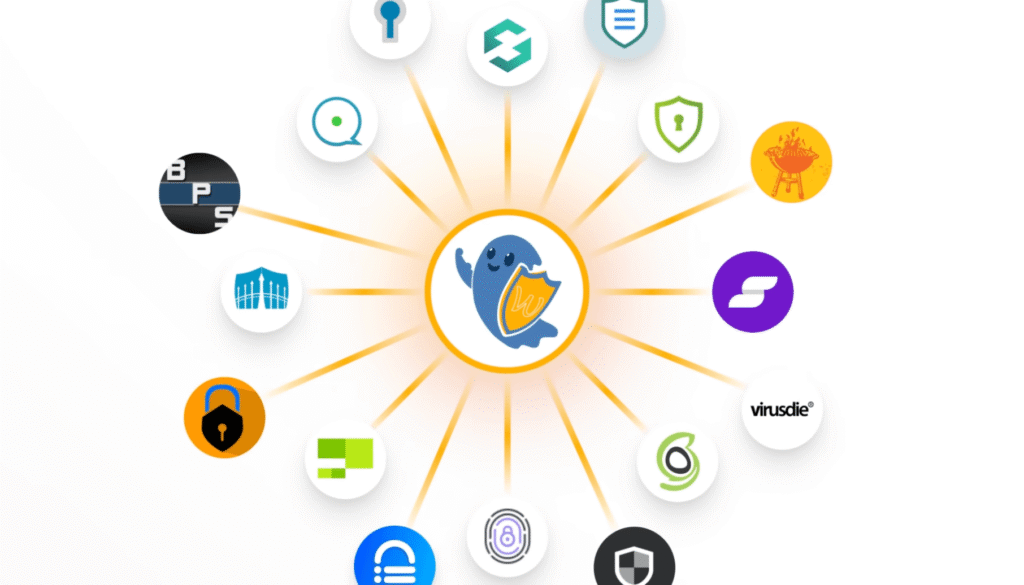
It creates Layers of Security:
- WP Ghost (The Outer Perimeter): Prevents the bot from finding the door or launching the attack.
- Other Tools (The Alarm System): Handles internal scanning and cleaning.
That combination is what has kept our users safe for so many years.
What You Need to Do Now
You don’t need to read a 50-page manual. To get professional-grade protection, simply:
- Install WP Ghost on your WordPress site.
- Follow the Setup Wizard to activate Paths Security and the 8G Firewall.
- Activate Passkeys for a modern, passwordless login that bots can’t guess.
That’s it. You go back to running your business; we’ll handle the bots.